The AI Automators®
  • Community & Courses
  • Contact
  • Login

Skip to content

Live cohort, 2 to 8 December

Build Your Own AI OS.

Coordinate all your agents and all your work from a single point. It is how we 10x our own output, and in one week you will build yours.

Join with membershipSee the curriculum
  • 11 video lessons
  • 4 live calls
  • 4-7 hours effort
AgenticOps / Content workspace
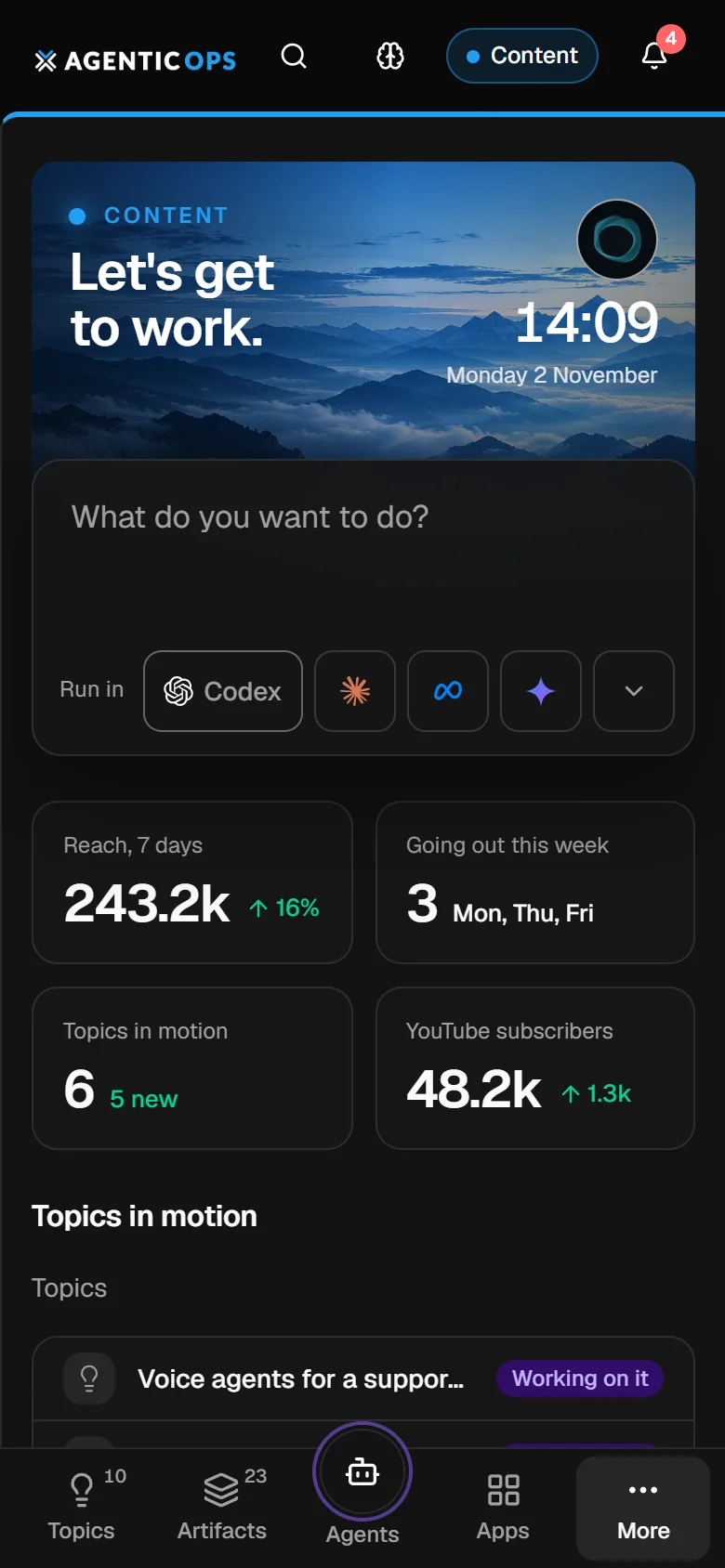
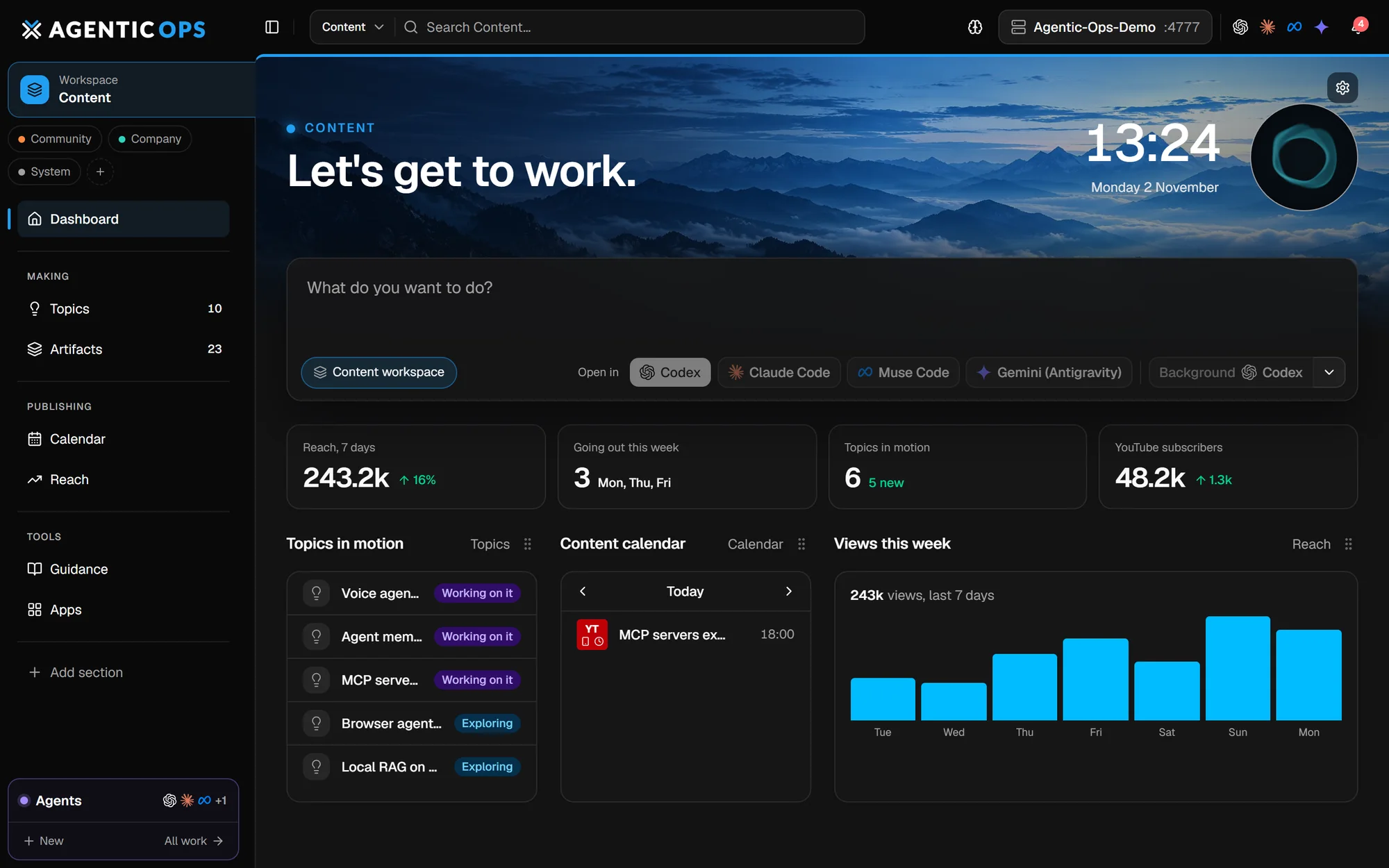
An AgenticOps dashboard with reach, topics in motion and a content calendar
Atlas Cycles reply
NewSearchScheduledCustomizeTodayAtlas Cycles replyWeekly briefHarbour Coffee proposalMonthly report

Atlas Cycles asked for 20% off a website build. Check the wiki and draft my reply.

···Used client-reply, checked 3 notes, saved 1 draft

I've drafted the reply and saved it for Maya to review; nothing has been sent. It turns down the 20%, because we don't discount a first project, and offers a design audit as a smaller first step.

Enter to send
Opus 5.5MediumAuto
Works across the agents and tools you already use
  • Claude Code
  • Codex
  • Gemini
  • Muse Code
  • Obsidian
  • AgenticOps
  • Why
  • Two routes
  • Knowledge
  • Curriculum
  • Your week
  • What you leave with
  • Join
  • FAQ

Chatting to agents is not a system.
An AI OS is.

Every new chat starts from nothing. You paste the same context, repeat the same rules and lose your best work in a long list of threads.

An AI OS gives your agents a home: your knowledge, your workflows, your connections and your rules. You see everything that is moving and coordinate it from a single point.

The same people get through far more work.

Knowledge

You stop re-explaining your business.

Workflows

A good chat becomes a repeatable procedure.

Connections

Your agents reach your real tools, in one place.

Agents

Your system outlives any one agent or vendor.

Control

Agents prepare. You decide, from anywhere.

Two ways to build it.
Choose yours.

Same topics, two routes. You do not need one to do the other.

Inside one ecosystem

Claude Code

The quickest way to start. A project folder, your rules, your skills and an Obsidian wiki, all set up by you.

Atlas Cycles reply
NewSearchScheduledCustomizeTodayAtlas Cycles replyWeekly briefHarbour Coffee proposalMonthly report

Atlas Cycles asked for 20% off a website build. Check the wiki and draft my reply.

···Used client-reply, checked 3 notes, saved 1 draft

I've drafted the reply and saved it for Maya to review; nothing has been sent. It turns down the 20%, because we don't discount a first project, and offers a design audit as a smaller first step.

Enter to send
Opus 5.5MediumAuto
  • Best if Claude Code is your one agent
  • Your files stay portable
  • Sessions and tools live in Claude's apps
Across the board

AgenticOps

The layer above every agent. Your records, knowledge, sessions and approvals in one place, and you own it.

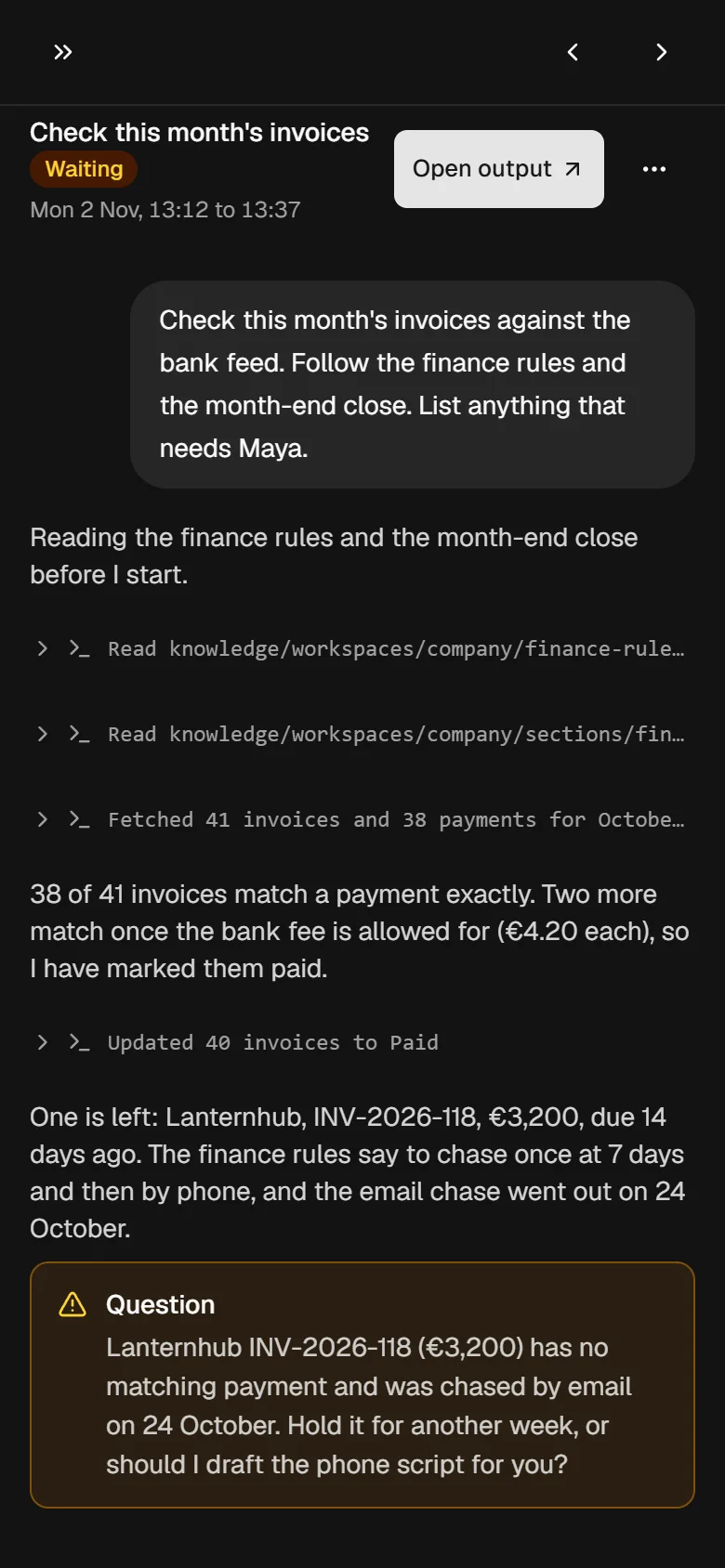
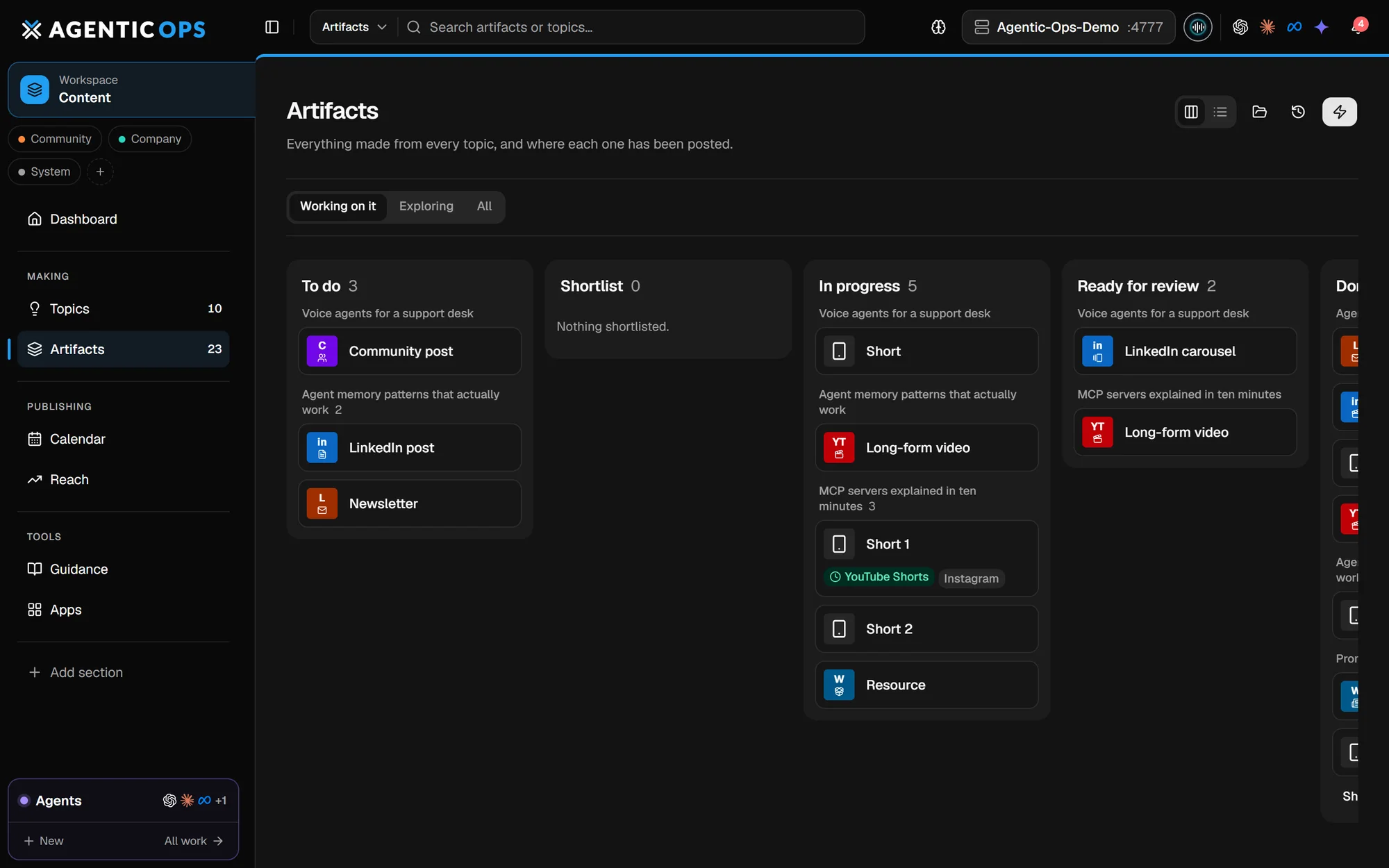
An Artifacts board from To do to Ready for review, grouped by topic
  • Best if you use more than one agent
  • Boards, records and your own views
  • Runs on your machine, on your phone too

Knowledge is the foundation.
Build it, or start with it built in.

The LLM wiki is the part most people want first. You will learn it both ways.

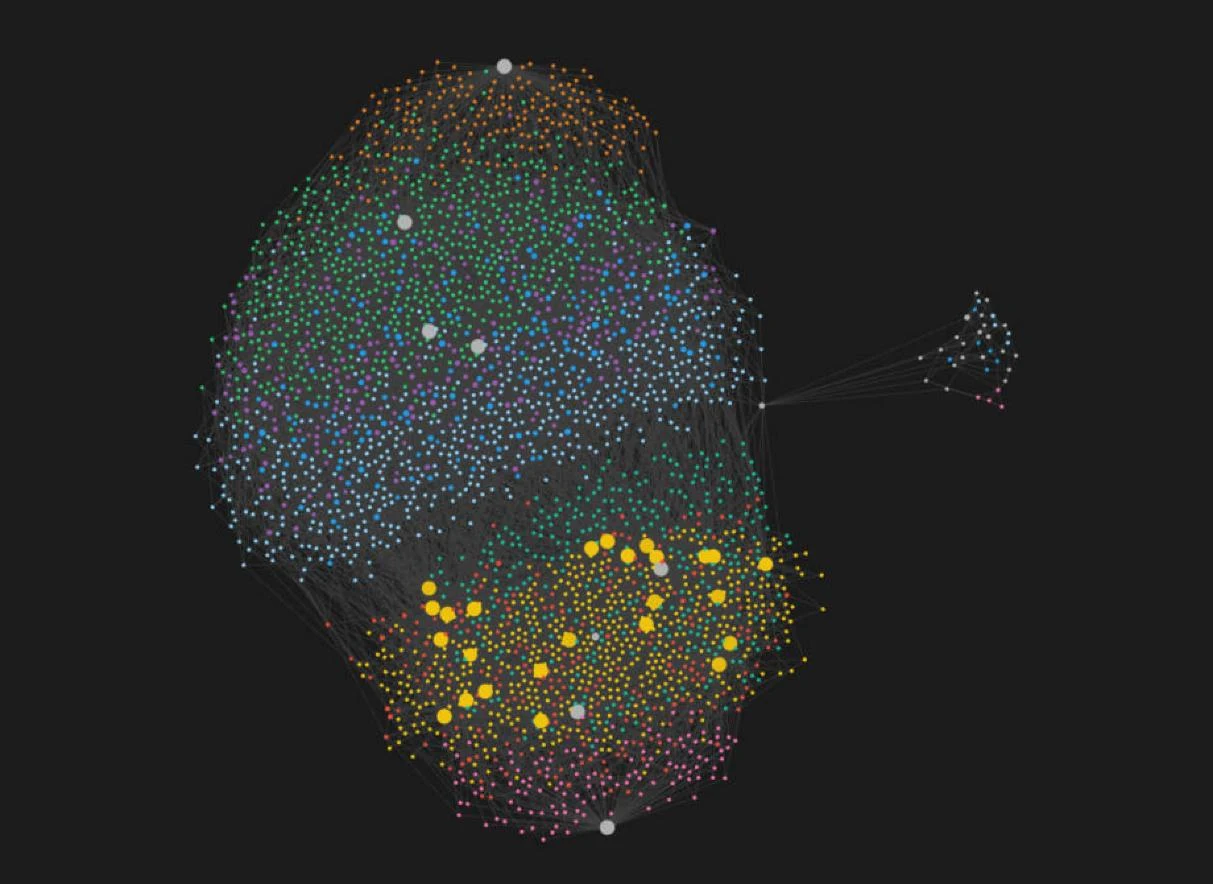
An Obsidian graph of about 3,000 linked notes, coloured by area
By hand. Obsidian and Claude Code.
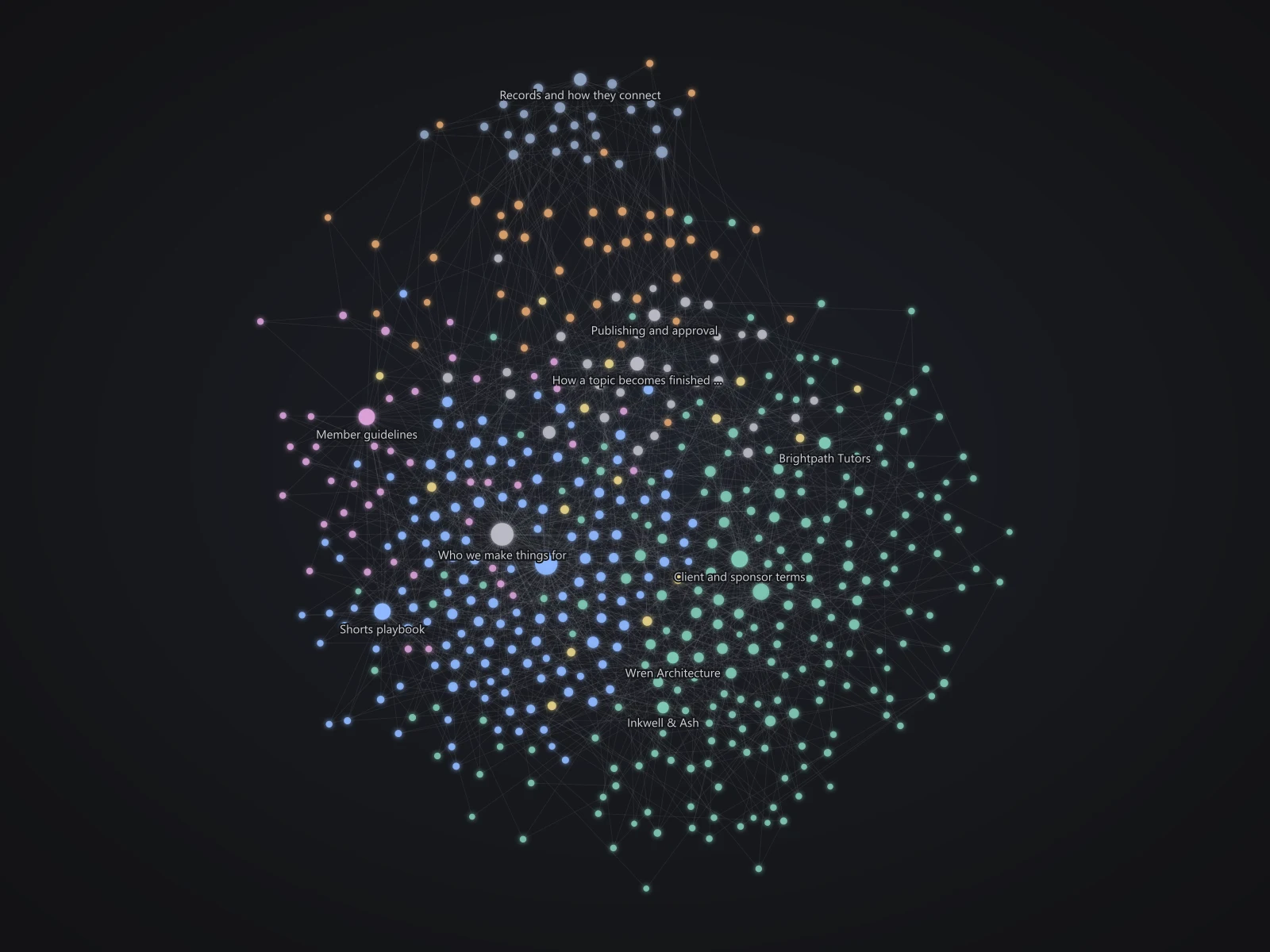
The AgenticOps Second Brain: linked notes, skills and docs, clustered by area
Built in. The AgenticOps Second Brain.

A big wiki is only useful if it is true.

So we cover how context goes wrong, and how to catch it.

  • False factsOne wrong note and your agent repeats it with confidence.
  • Too muchThe right answer gets lost in everything else.
  • GapsSomething is missing, so the agent fills it in.
  • ConflictsTwo notes disagree and the agent picks one.

Eleven lessons.
Two ways through each one.

One video per topic: why it matters, then how to do it.

  1. 01

    What an AI OS is

    The difference between chatting to agents and having a system.

    The ideas that apply whichever way you build
    A tour using a sample business
  2. 02

    Memory, rules and structure

    What is always loaded, what gets looked up, and how to organise folders and client work.

    CLAUDE.md as a router, with folders in one project
    AGENTS.md as a map, with workspaces, sections and records
  3. 03

    Knowledge and the LLM wiki

    A knowledge base your agents read before they work, split by area as it grows.

    Set up by hand with Obsidian
    The Second Brain, already built in
  4. 04

    Keeping it accurate

    How context goes wrong, how to audit your system and how to trace a bad answer back to its cause.

    An audit skill, and having the agent trace its own mistakes
    Stale notes flagged, the weekly review and the same habit
  5. 05

    Skills and workflows

    Turn something you do every week into a procedure your agents follow.

    A skill, run from chat
    A skill plus a section, with a layout from Inspiration
  6. 06

    Connections

    Give your agents safe access to the tools your business runs on.

    One connection added to Claude Code
    The Connections page, with credentials in a private store
  7. 07

    Scheduling

    Run work on a schedule, and keep your data fresh without asking.

    A Claude routine
    Scheduled jobs, with every run on record
  8. 08

    Sessions and oversight

    Know what is running, what is finished and what needs you.

    Sessions and notifications in the Claude app
    Sessions across every agent, the bell and approval points
  9. 09

    Several agents

    Use the right agent for each job without starting again.

    Sub-agents, agent teams and Codex from a skill
    Claude Code and Codex side by side on the same knowledge
  10. 10

    Phone and voice

    Check in and keep work moving when you are away from your desk.

    The Claude and Codex mobile apps
    Your own app on your phone, and a voice assistant that knows your records
  11. 11

    Keeping it safe

    Back it up, prove you can restore it and take updates without losing your work.

    Git and backups of your folder
    Backups, restore and updates

Plus a setup lesson for AgenticOps, and a short lesson on moving a Claude Code setup across.

All the lessons at once.
Live help when you need it.

Everything is released on 2 December. Follow this route, or go at your own pace.

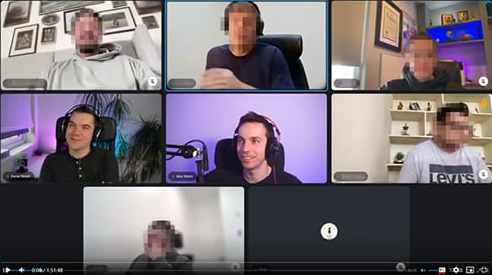
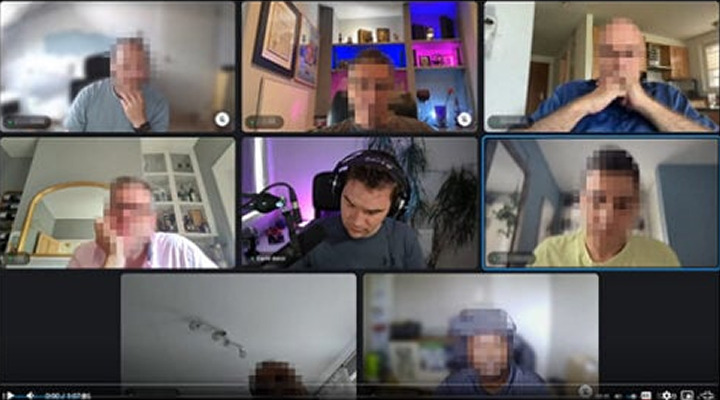
A live call with members on camera, their faces blurred
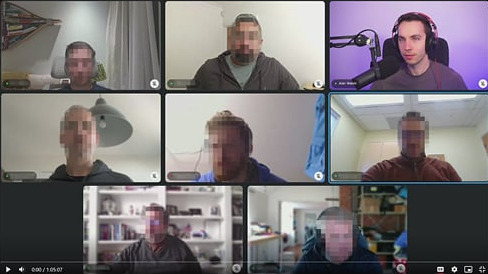
Another live call with members on camera, their faces blurred
One of our weekly live calls, with members on camera and their faces blurred
Recommended route
  1. From 23 NovSetup
  2. Wed 2 DecLessons 1 and 2
  3. Thu 3 DecLessons 3 and 4
  4. Fri 4 DecLessons 5 and 6
  5. Mon 7 DecLessons 7 to 9
  6. Tue 8 DecLessons 10 and 11
Live calls
  • Setup clinicTue 1 Dec, 4pm
  • KickoffThu 3 Dec, 5pm
  • Build clinicTue 8 Dec, 9:30am
  • DemosThu 10 Dec, 5pm

All recorded. Two check-in calls follow, about 30 and 60 days later, to share your progress and show what you have built.

What you leave with.
A system you actually use.

  • Agents that already know your business
  • A knowledge base you can trust
  • One real workflow, running on a schedule
  • Your work on your phone, wherever you are

This is for you if

  • You already use Claude Code or Codex for practical work, or you have taken our course
  • You have one recurring task you would like off your plate
  • You want a system you understand and can change yourself

Included in your membership.
No separate fee.

Join by 1 December and you are in. Members already have a place.

Build Your Own AI OS

Part of The AI Automators membership

  • 11 video lessons, released together on 2 December
  • Claude Code and AgenticOps chapters
  • 4 live calls, recorded
  • The AgenticOps platform and its updates
  • Check-in calls at 30 and 60 days
  • The community, the courses and the weekly calls
Join with membershipAlready a member? It is included

Before you
start building.

Do I need to be a developer?

No. You need to be comfortable asking a coding agent to make a change and checking what it built. If you are brand new to coding agents, start with the Claude Code & Codex Course in the community.

Do I have to do both routes?

No. Each lesson has a Claude Code chapter and an AgenticOps chapter, and you watch the one you need. If you are ready for AgenticOps you can go straight there. If you start in Claude Code, a short lesson shows you how to move across later.

I use Codex, not Claude Code. Is this for me?

Yes. Most Claude Code features are available in Codex too, so what you learn transfers well. The AgenticOps chapters also run Claude Code and Codex side by side.

How much time does it take?

About an hour a day on the recommended route. All the lessons are released together on 2 December, so you can work ahead, take it slower or use the weekend to catch up.

What if I cannot make the live calls?

All four are recorded, and you can send your questions ahead.

What does it cost?

The cohort is included with The AI Automators membership, so there is no separate fee. Your AI subscriptions and any paid tools you connect are separate.

I am already a member. Do I need to do anything?

No payment. It is included. We will share the details in the community before the cohort starts.

What happens after the week?

Two check-in calls, about 30 and 60 days later, to share your progress and show what you have built. The weekly community calls carry on as normal.

Will my data stay on my computer?

AgenticOps runs on your own machine, with your records in a local database and your documents in ordinary folders. Any AI service or tool you connect receives what you send it.

Coordinate everything from one place.
Deliver more.

Bring one recurring task. Leave with an AI OS that runs it your way.

Join with membership
The AI Automators®
Community Contact Blog Member login

© 2026 - The AI Automators® is a registered business name of LogicLabs Digital Limited | Privacy Policy

Not ready to join?
Let's stay in touch.

Hi, we're Daniel and Alan Walsh. Our newsletter is where we send practical guides, tips and the latest AI news. If you'd like them, pop your email in below.

We won't send you spam. Unsubscribe at any time.

You're in

Thanks. Your newsletter signup has been received

Talk soon, Daniel and Alan