 Claude Code
 Codex
 Gemini
 Muse Code
 pi
 opencode
 DeepSeek Harness
 Hermes Agent
 OpenClaw
 Grok Bot
Workspaces
One for each part of your work or life.


A ready-made framework for workspaces, workflows, memory and approvals, shaped by your coding agents around your business.
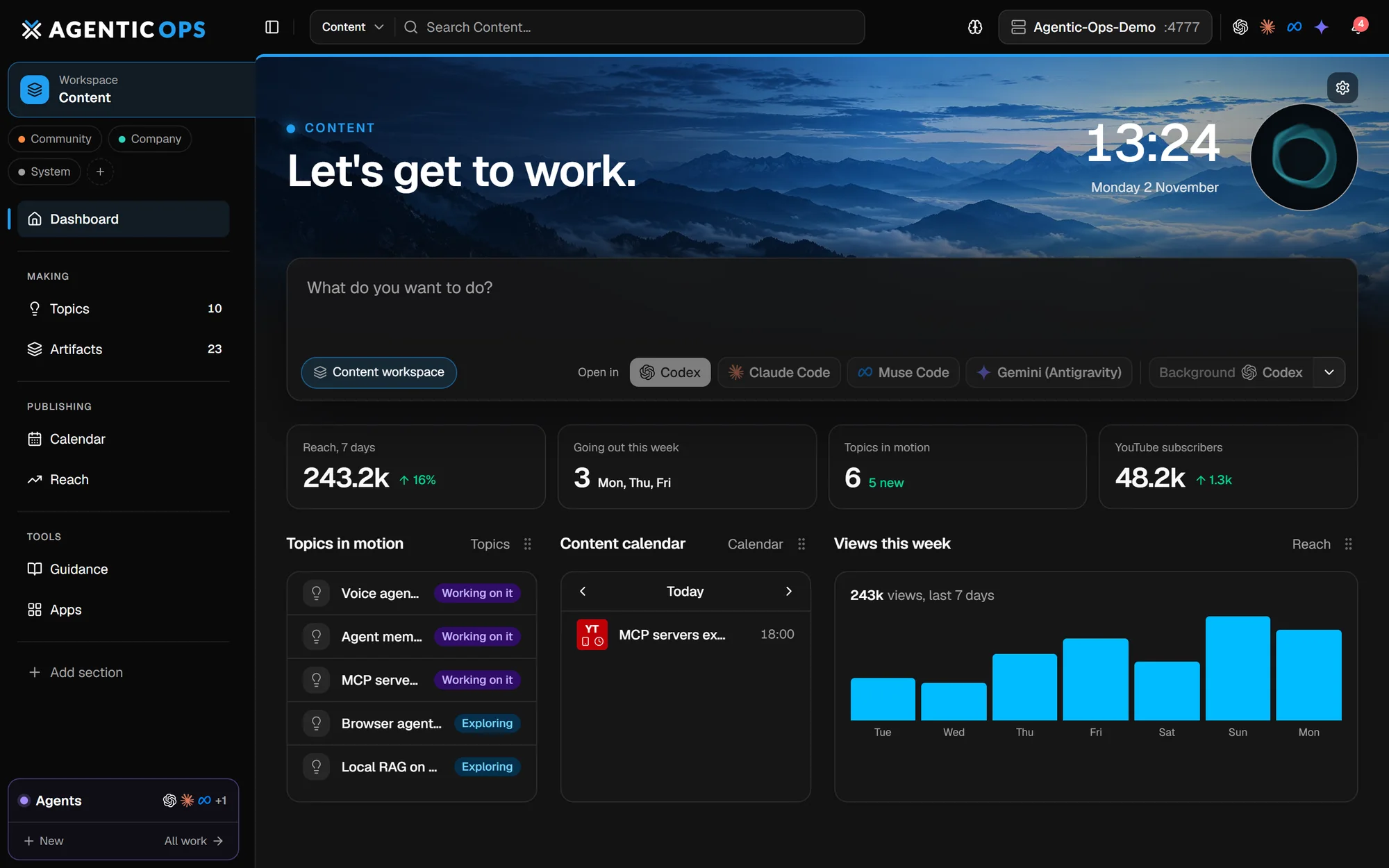
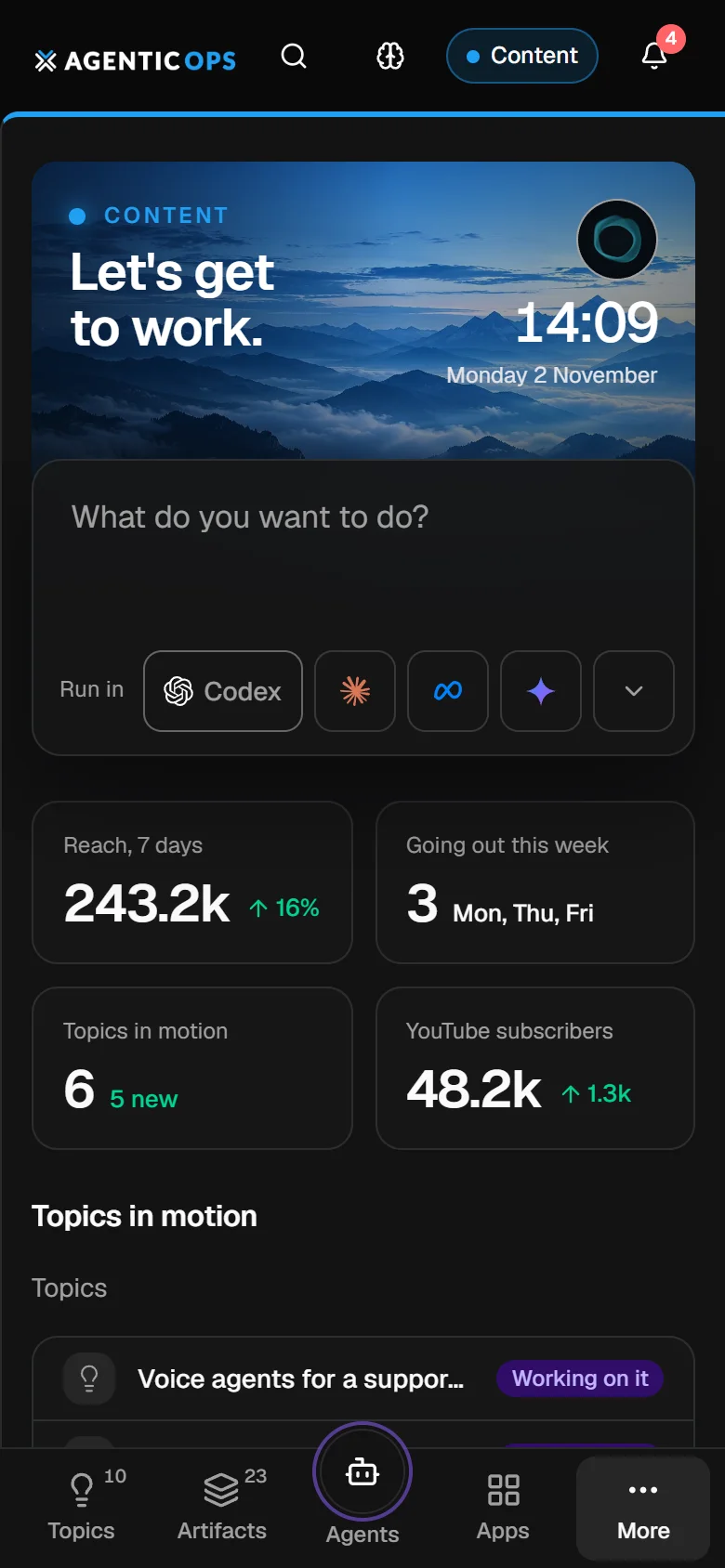
SIGNAL FROM THE NOISE
Dozens of agent threads, jobs and automations send back thousands of lines of text a day. It is easy to lose sight of what you are delivering.
AgenticOps is the layer above: what is moving, what is done and what needs you, on one board.
Your agents make the noise.
You keep the signal.
+ 207 more
PERSONAL SOFTWARE
Your agents build the boards, records and routines that fit how you work.
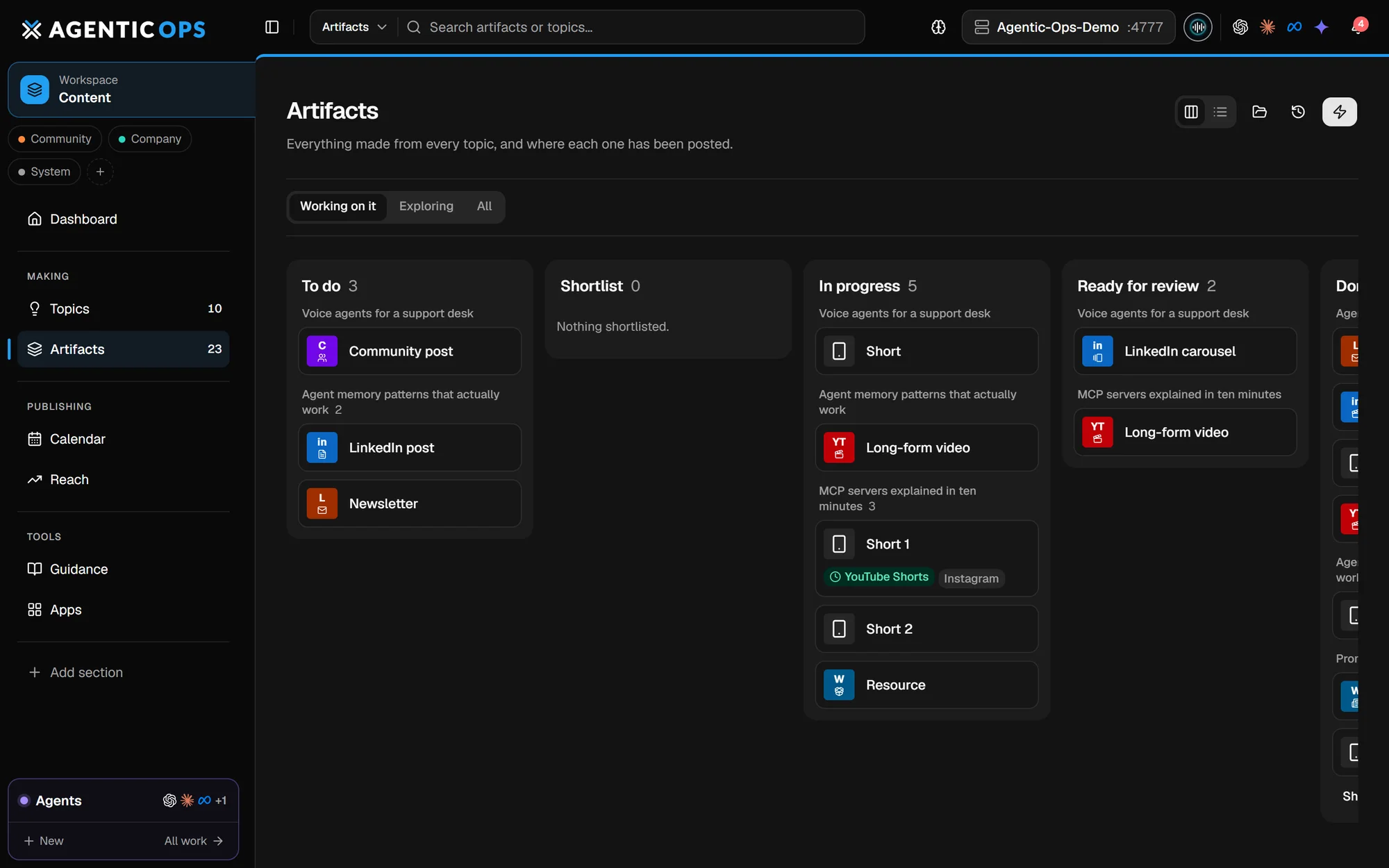
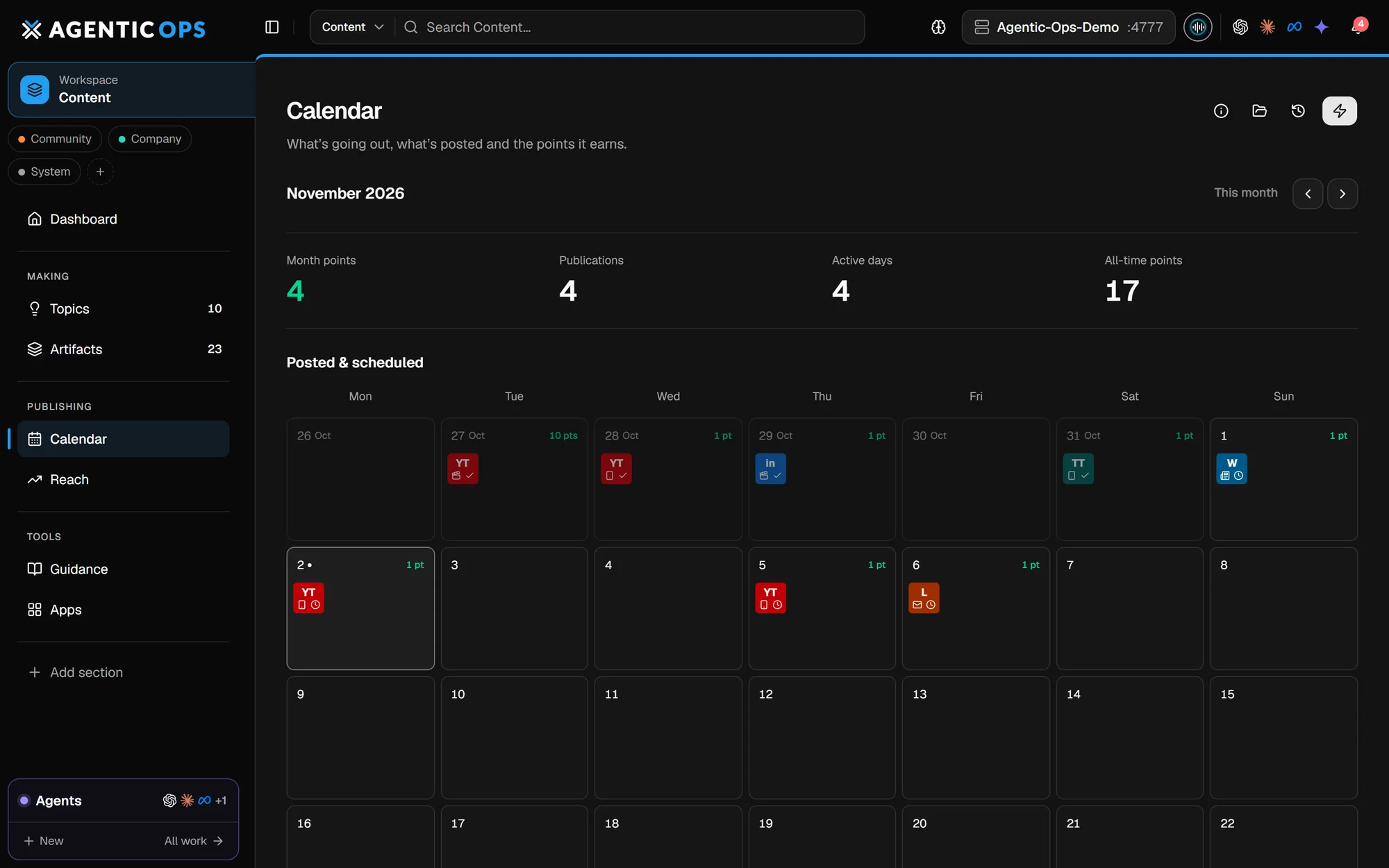
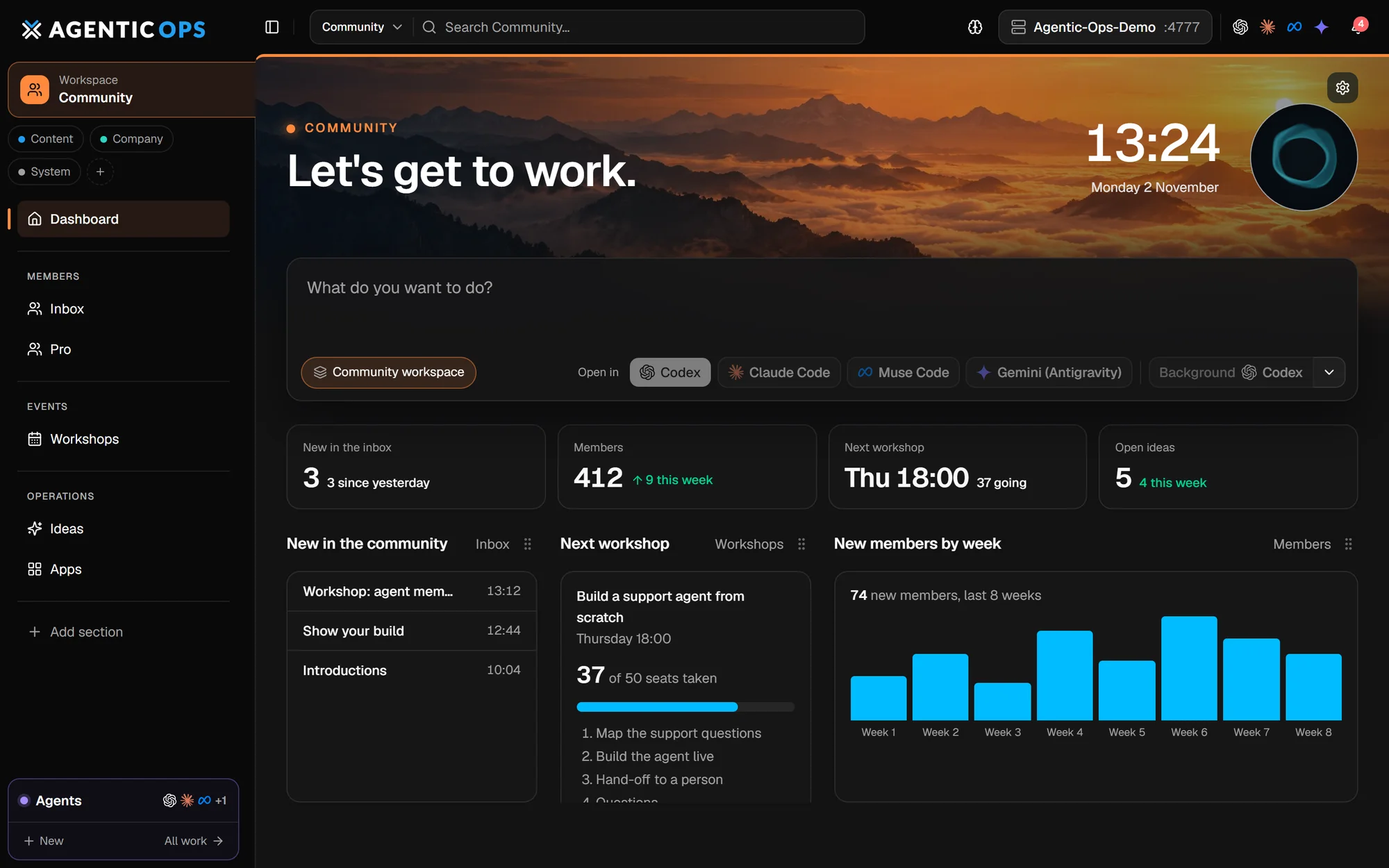
DESCRIBE IT. YOUR AGENT BUILDS IT.
Describe it, or start from a layout. Your agent builds the rest.
“Build me a client delivery workspace. Track each project from enquiry to handover, keep its files together and show me which ones need me this week.”
Illustrative examples. Every installation starts simple and grows around the work you bring.
Ready-made layouts for your agent to adapt.
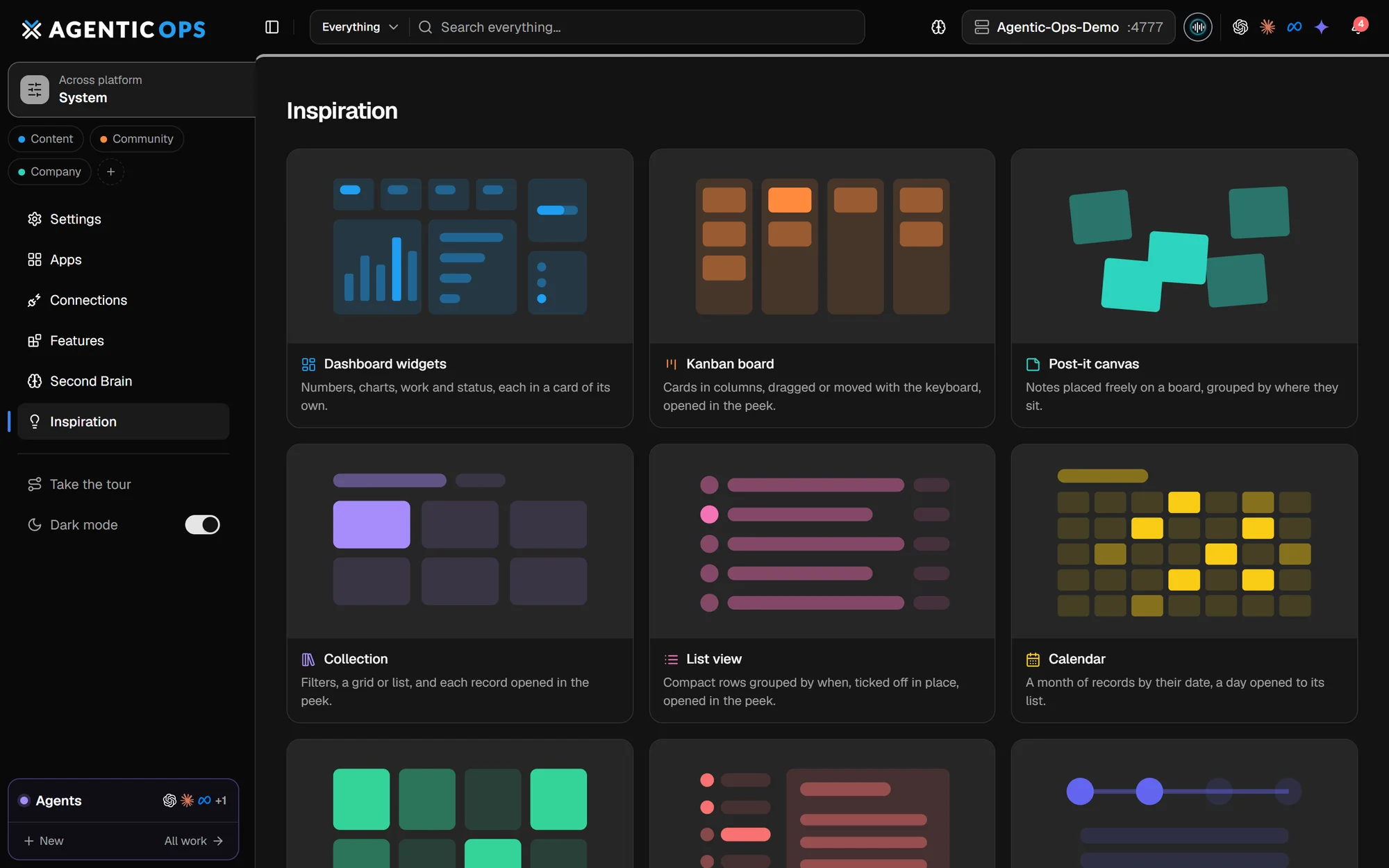
EVERYTHING IS YOURS TO SHAPE
The core runs the app. Everything above it is yours.
One for each part of your work or life.
Boards, tables, calendars and canvases.
Your own data model, in any database.
Procedures your agents follow every time.
Recurring work, with every run on record.
Your APIs, inboxes and tools.
Rules and approvals in plain language.
Ask for a widget, a chart or a page.
NO LIMITS ON WHAT YOU BUILD
SQLite is where it starts, not where it stops. If it has an API, your agent can wire it in.
“Connect our Postgres orders database and give me a live revenue board.”
YOUR AGENT BUILDSA Sales board reading Postgres, refreshed every 15 minutes“Save every client upload to our S3 bucket and list them on the client’s record.”
YOUR AGENT BUILDSAn upload field, an S3 connection and a Files tab on each client“When a Stripe payment fails, open a task and draft the customer email.”
YOUR AGENT BUILDSA Stripe webhook, a task and a drafted email waiting for reviewPostgres, Supabase, MySQL, MongoDB, your existing SQL warehouse
Amazon S3, Cloudflare R2, Google Drive, Dropbox, a network share
Stripe, Shopify, HubSpot, Xero, Notion, Airtable
Gmail, Outlook, Slack, WhatsApp, Telegram
n8n, Make, Zapier, webhooks, your own scripts
MCP servers, Ollama and local models, any model API
Internal tools, niche apps, shared spreadsheets.
Credentials stay private on your machine.
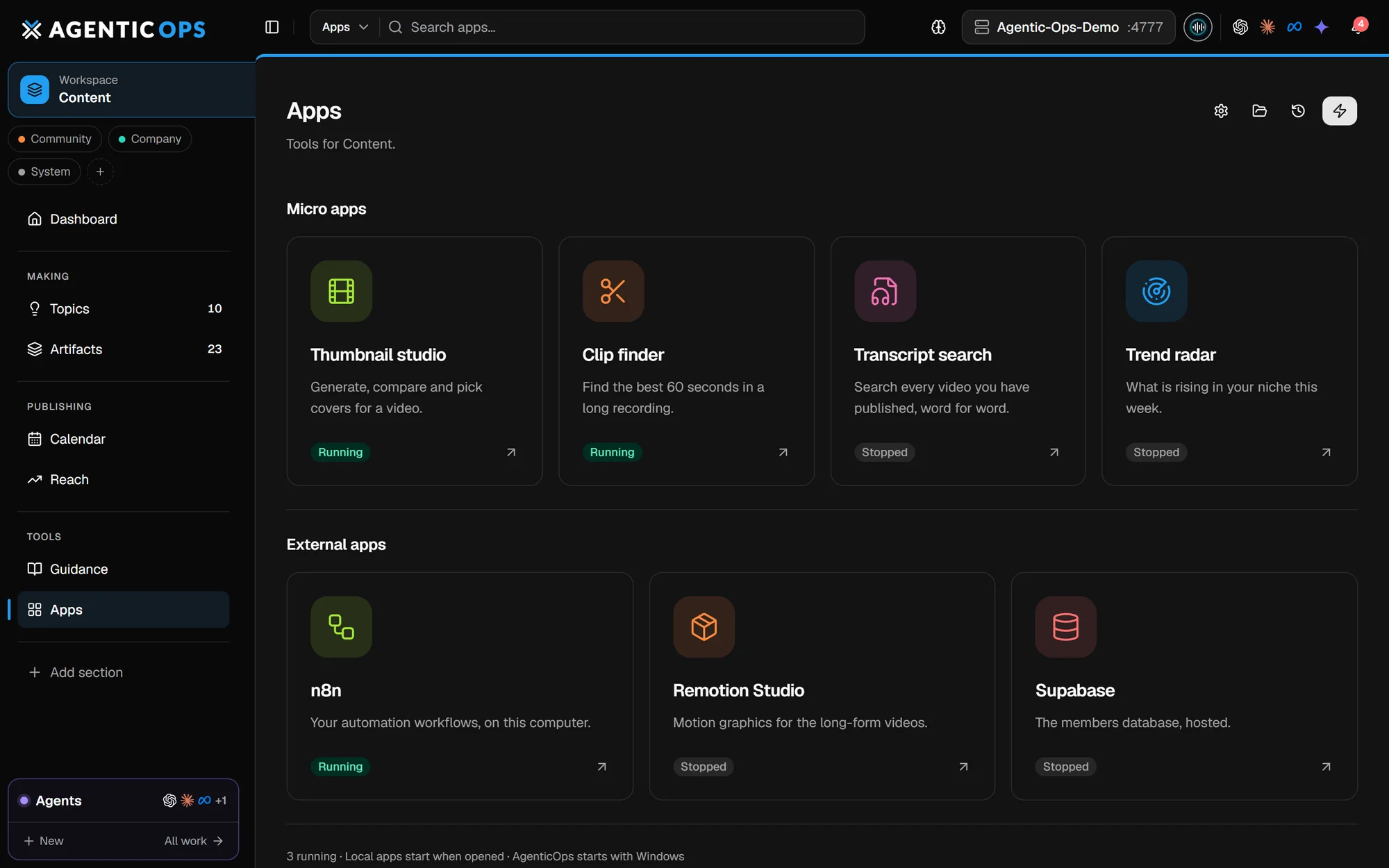
ONE LAUNCHER FOR EVERY APP
The tools your agents build, beside the apps you already use.
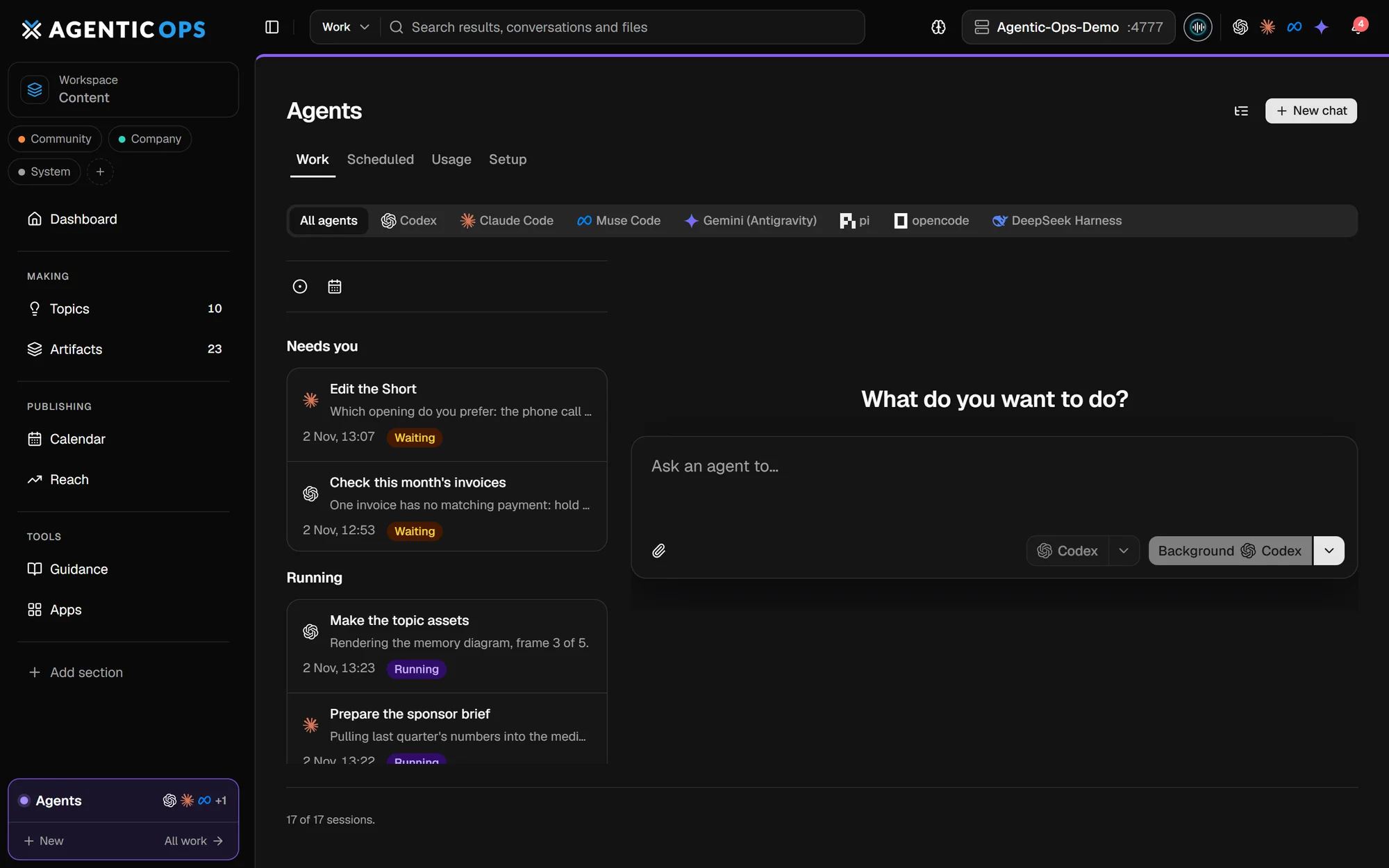
ORCHESTRATE EVERY AGENT
Folder, sandbox or another machine. The best agent for each task, and no lock-in.
Full context of your workspaces and knowledge.
Only the files you list go in. Code comes back as a checked branch.
A scoped request. Never your database.
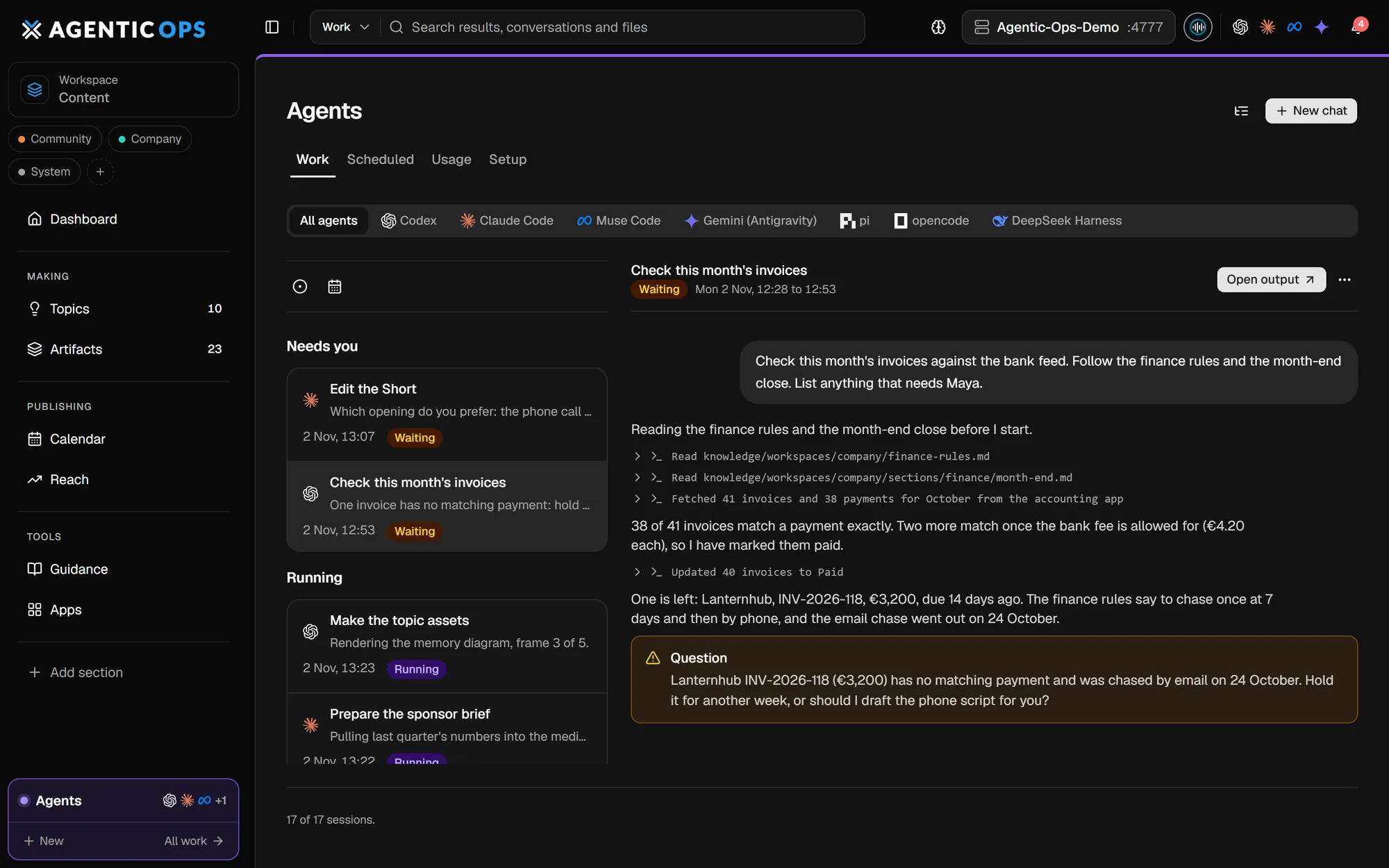
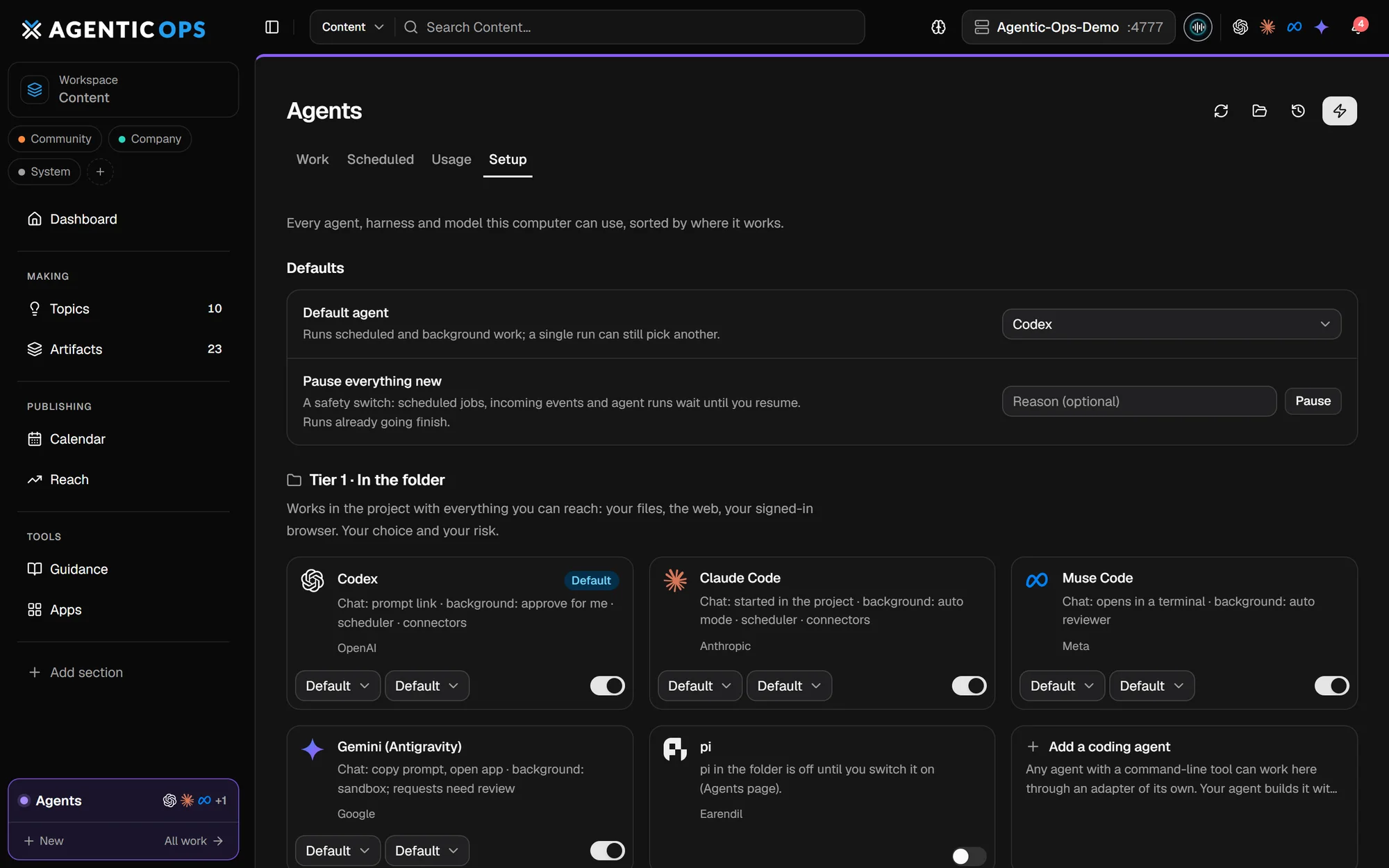
A Claude or Codex routine runs what is due. No servers, no cron.
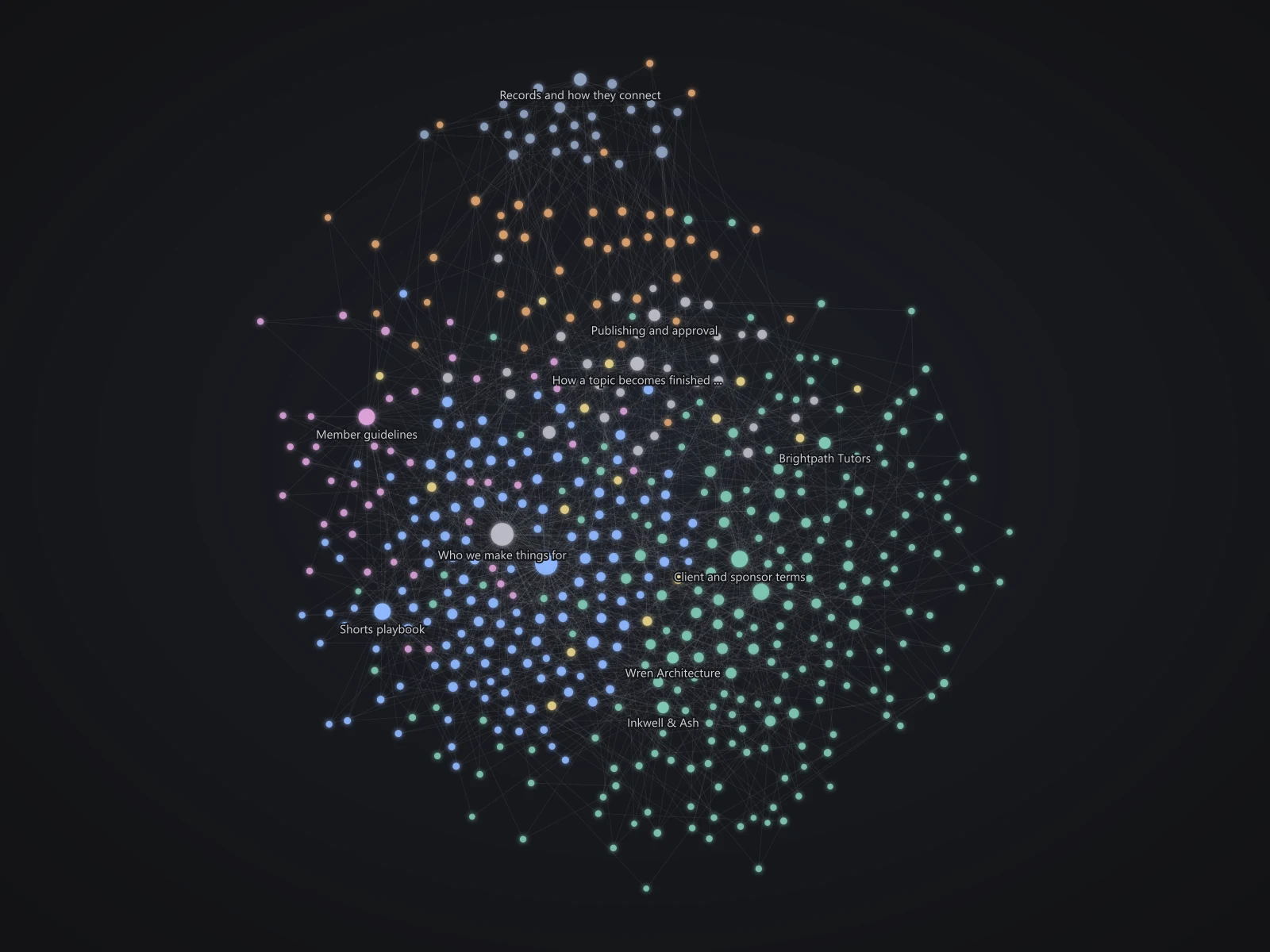
A SECOND BRAIN, ON AN OPEN STANDARD
Your business context in plain Markdown, on the open Open Knowledge Format (OKF). Every agent reads it before it works.
knowledge/pricing-principles.md---
type: principle
title: How we price new offers
status: stable
sources:
  - id: call
    resource: /meetings/2026-10-14-pricing.md
verified:
  - by: human:maya
    at: 2026-10-20T09:12:00+01:00
stale_after: 2027-04-01
---
Anchor on outcomes, not hours.[^call]
A REAL-TIME VOICE ASSISTANT
Tap the orb and speak. It knows your records and hands real work to your agents.
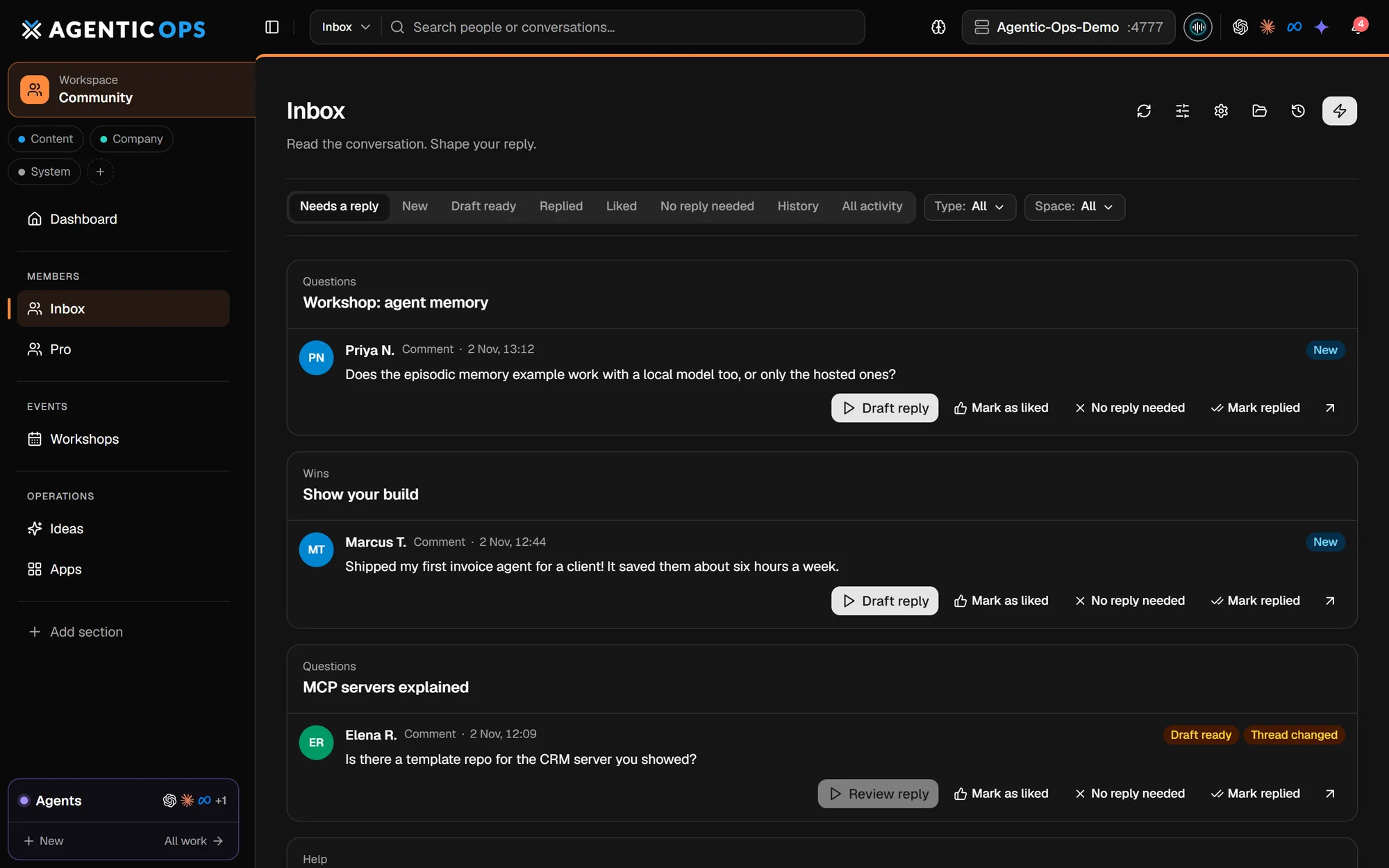
ONE BUSINESS, THREE WORKSPACES
Every view was built by asking for it.
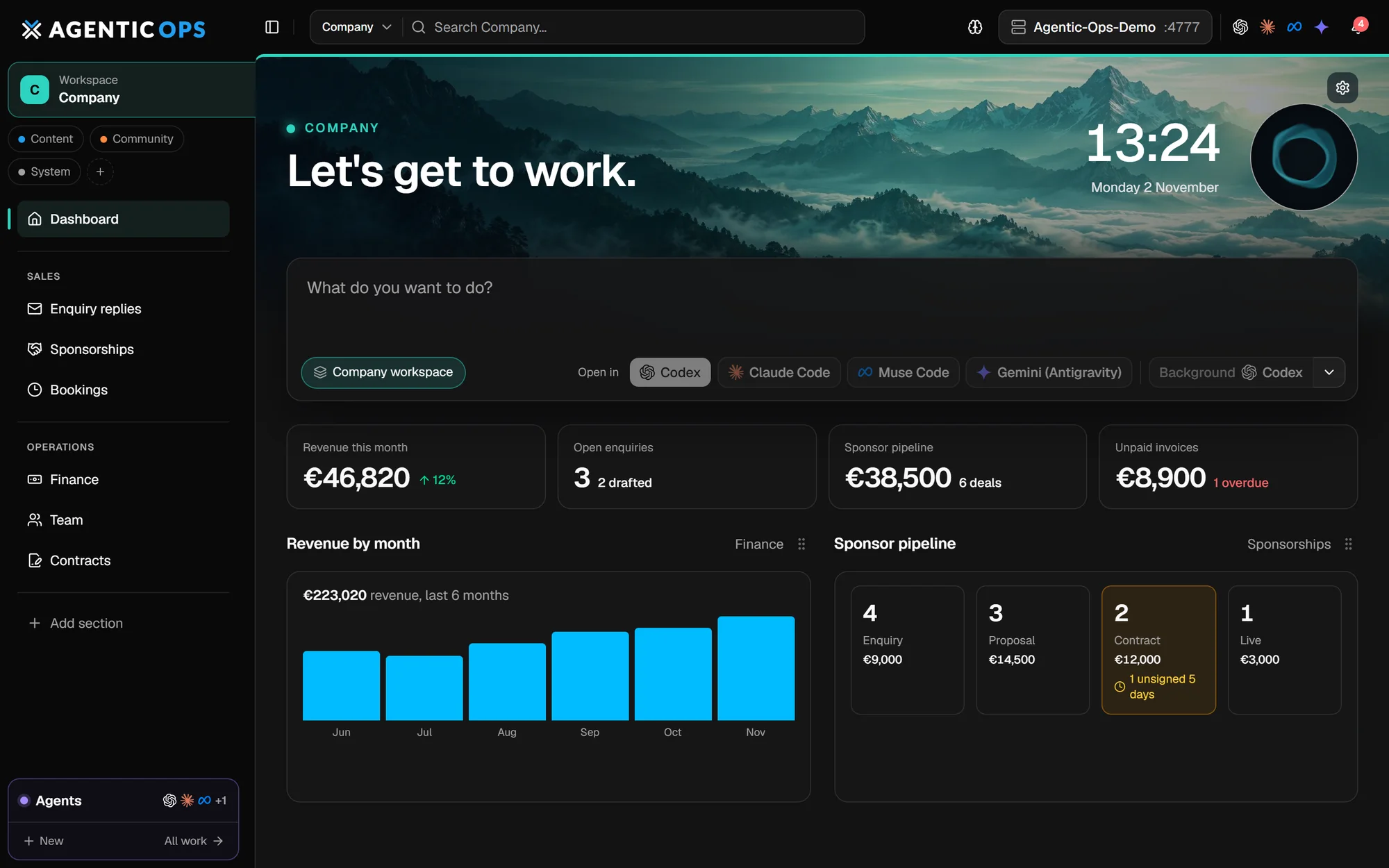
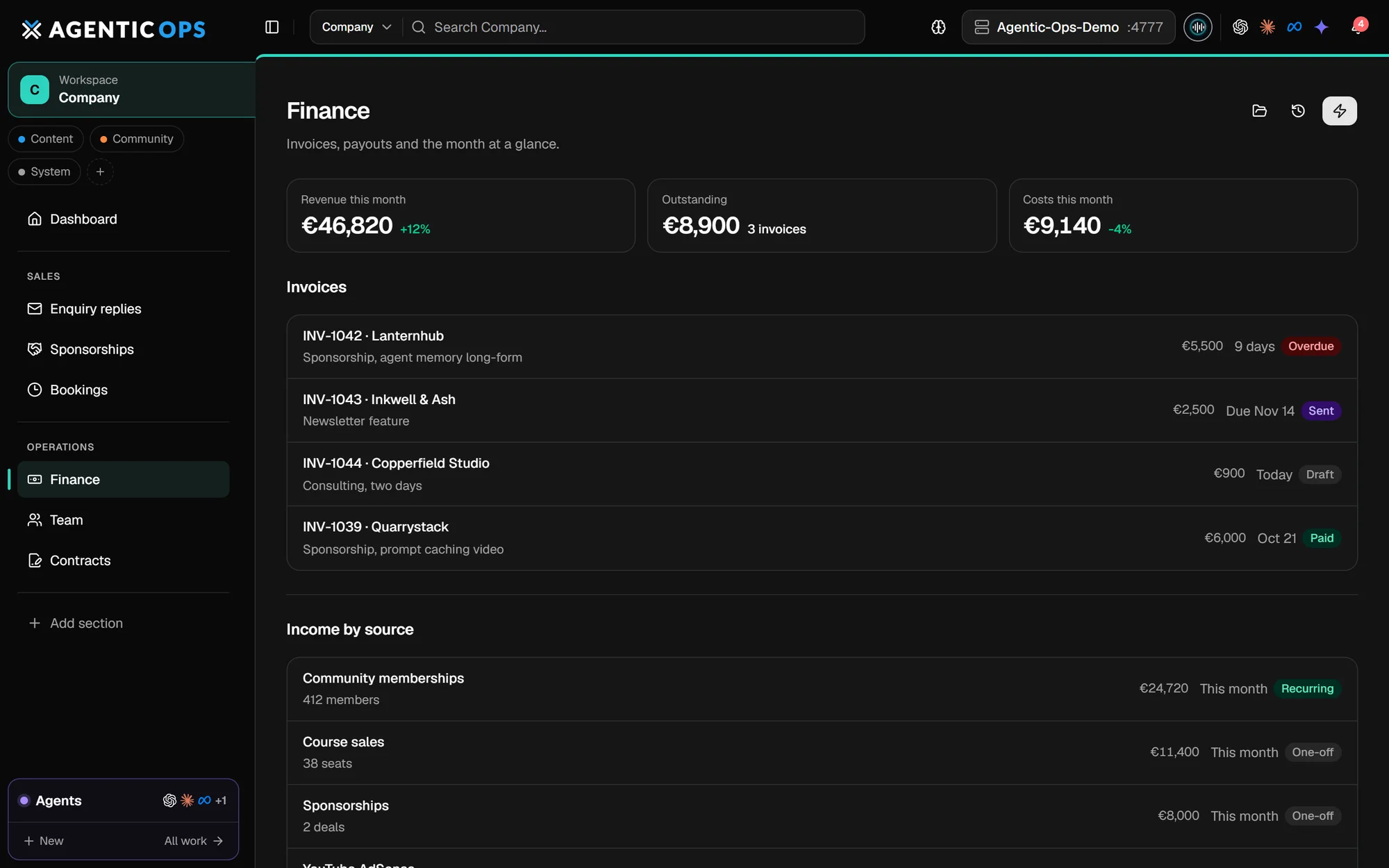
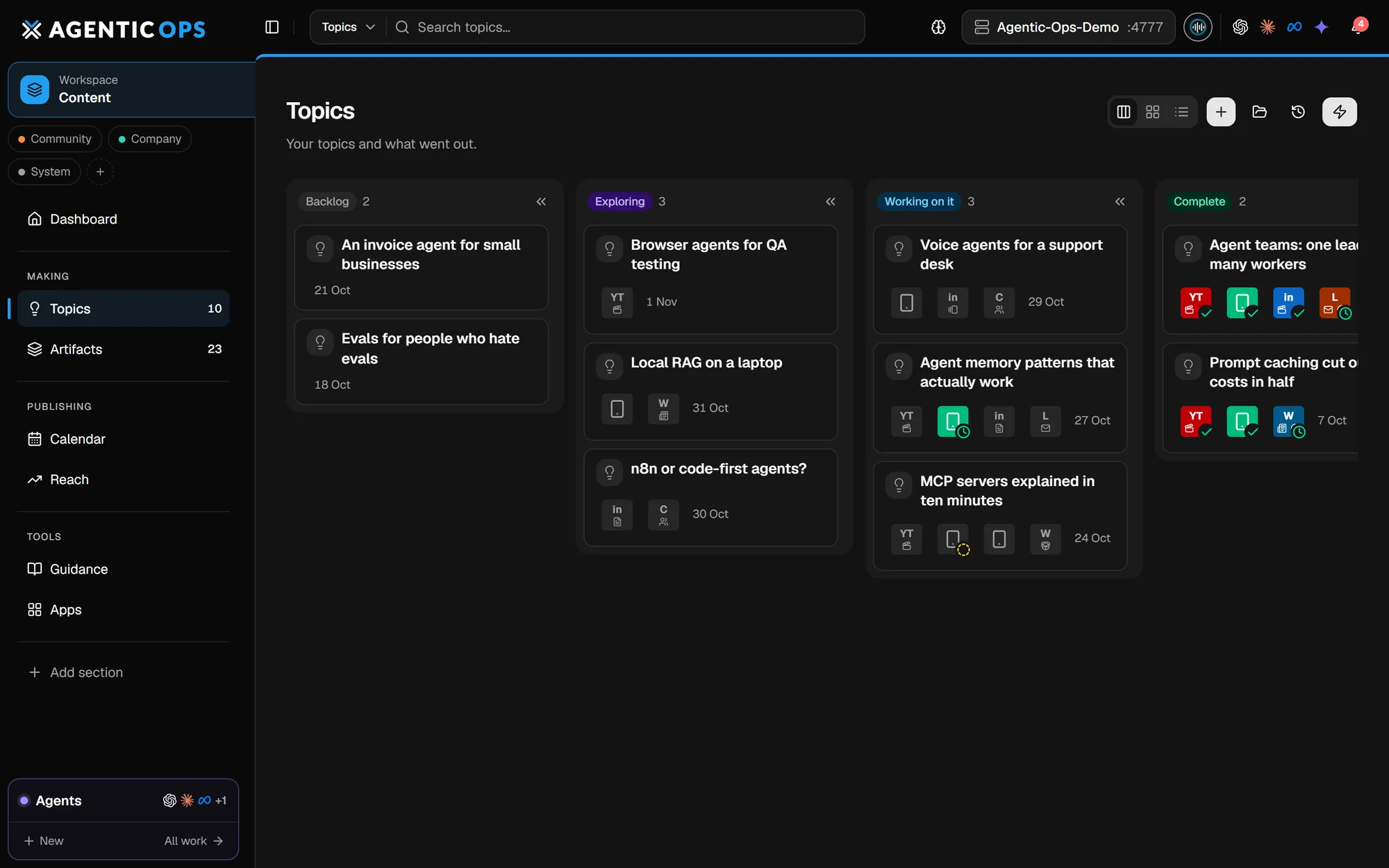
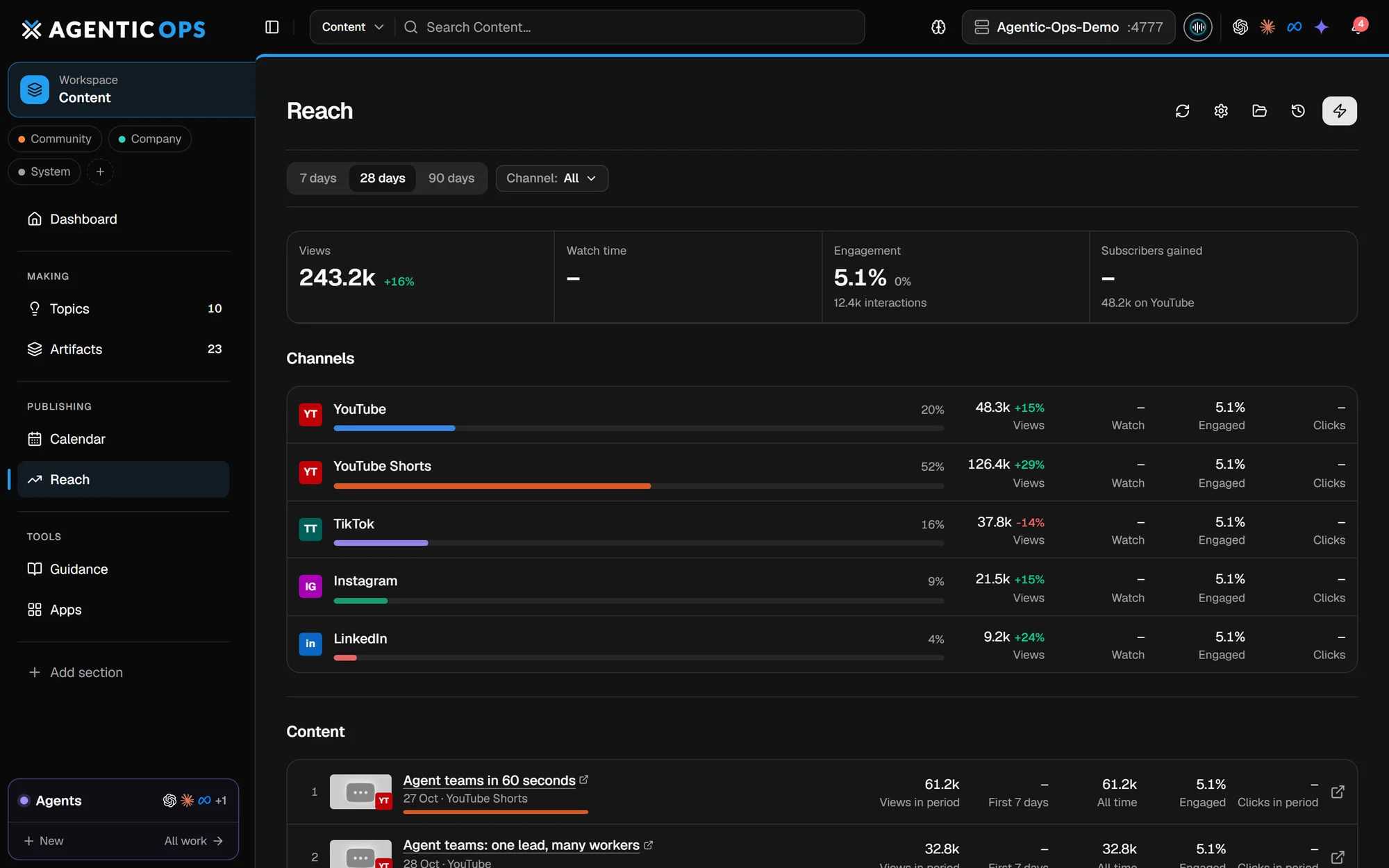
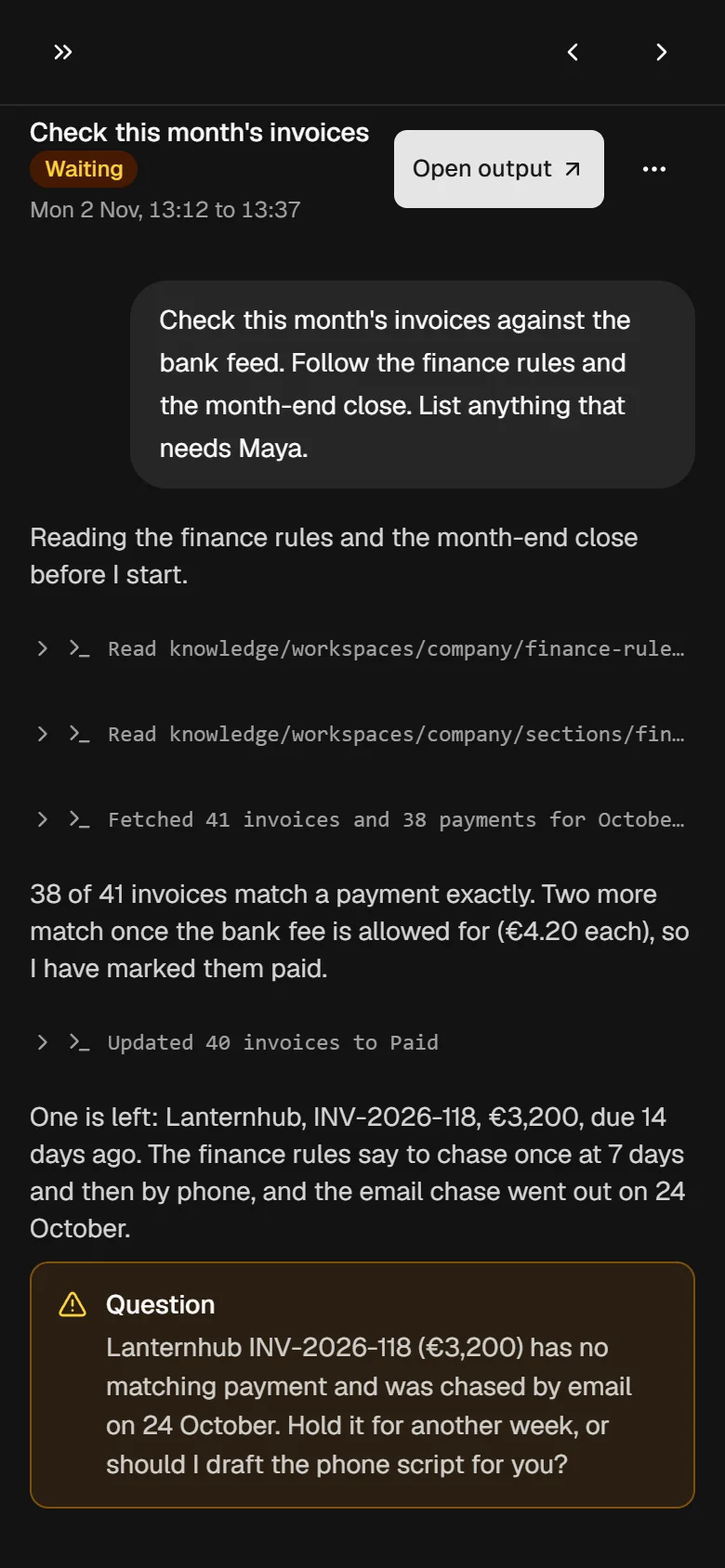
Screenshots from a demo installation. Every name, figure and record in them is fictional.
ALWAYS ON. ANYWHERE.
Leave it running on a machine that never sleeps. Reach it from your phone, anywhere.
Private access through Tailscale

LOCAL FIRST. YOU IN CONTROL.
Records in SQLite, files in folders, daily backups.
No public login to attack.
Agents prepare. You decide.
Improvements never overwrite what you built.
Package a feature as a blueprint.
Bring your computer and a coding agent.
THE MEMBERS LICENSE
You can use, modify and deploy AgenticOps for personal projects, commercial products and unlimited client work, keeping 100% of what you earn. There are a few simple restrictions around redistributing AgenticOps itself, but nothing that prevents you from building and selling your own solutions.
A plain-English summary. The Members License Agreement included with the code is the version that applies. Not sure about something? Email info@theaiautomators.com.
INCLUDED WITH YOUR MEMBERSHIP
The platform, the setup walkthrough and a community of builders.
Part of The AI Automators membership
GOOD QUESTIONS
No. You need to be comfortable asking a coding agent such as Claude Code or Codex to make a change, and checking what it built. The foundation, the setup guide and the skills do the heavy lifting, and the community is there when you get stuck.
Seven coding agents are built in: Claude Code, Codex, Gemini (through Antigravity), Muse Code, pi, opencode and DeepSeek Harness. It also hands work to personal agents on your other machines, such as Hermes Agent, OpenClaw and Grok Bot. Any other agent can be added through an adapter. There is no vendor lock-in: use one, mix them per task, or move to a better one when it ships, and your workspaces, knowledge and history stay where they are.
On your computer. Structured data sits in a local SQLite database and your documents in ordinary folders, with daily backups. The app has no login and is never exposed to the internet. Any AI service or tool you connect receives what you send it.
Yes. The app is ordinary code your coding agent can extend, so it can add a Postgres or Supabase database, an S3 or R2 bucket, Stripe, your CRM, an internal tool or anything else with an API. Credentials are kept in a private store on your machine, and your additions live apart from the shared foundation, so updates keep them.
Yes, privately, and around the clock. Most members leave it running on a computer that stays on, so jobs and agents keep working 24/7. Tailscale gives your own devices a secure address for the same responsive app, voice assistant and notifications included, from anywhere. Nothing is opened to the public internet.
Your work lives in your own area, separate from the shared foundation. Updates replace the foundation and leave your workspaces, workflows, data and instructions alone.
The Full Stack AI Agent Platform is a web app for chatting with your documents and running agents over them. AgenticOps is your personal command centre: the place your coding agents build and run the software around your work. Many members use both.
YOUR NEXT STEP
Bring one recurring task. Leave with a system that runs it your way.
Get AgenticOps with membership